
How to Test Your YouTube Thumbnail Before Publishing (Step-by-Step)
TL;DR
- Confirm file specs and 16:9 framing first, then test in feed context, not full-screen only.
- Run legibility diagnostics (squint/blur, grayscale, mobile).
- Compare against live competitors in your niche.
- Publish, then use YouTube Studio A/B on eligible videos to learn from real watch time.
“I’ll fix the thumbnail if the video underperforms.”
That plan costs you the launch window, the days when YouTube is still tasting your packaging with new audiences.
Here is a tight test youtube thumbnail online workflow you can finish in under 30 minutes.
Step 1, Export to real specs
Follow YouTube’s custom thumbnail guidance (Add custom thumbnails):
- Videos: 16:9 aspect ratio; high resolution (YouTube discusses large resolutions and a minimum width of 640px; many creators still standardize on sharp 1280×720+ pipelines)
- Shorts: 9:16 custom thumbs (Studio on computer; verified account)
- Formats: JPG or PNG
- File size: device-dependent limits (Help lists different mobile vs desktop caps; keep files efficient)
- Policy: no Community Guidelines violations (nudity, hate, violence, dangerous content, etc.)
If you will later A/B in Studio, keep every variant sharp. YouTube warns that if any experiment thumb is under 720p (1280×720), experiment thumbs may be downscaled to 480p (A/B Help).
Step 2, Write the packaging pair
Before you fall in love with pixels:
- Thumbnail = emotion, object, or conflict
- Title = context and stakes
- First 15 seconds = proof you were honest
If the thumb promises chaos and the intro is a calm brand slate, you are testing the wrong problem.
Step 3, Full-screen QA (2 minutes)
At 100% zoom, check:
- Eyes visible / product label readable
- No critical detail under YouTube UI chrome safe edges
- Text not touching borders
- Brand colors consistent with series templates
This step catches production errors. It does not prove feed performance.
Step 4, Feed-size reality check
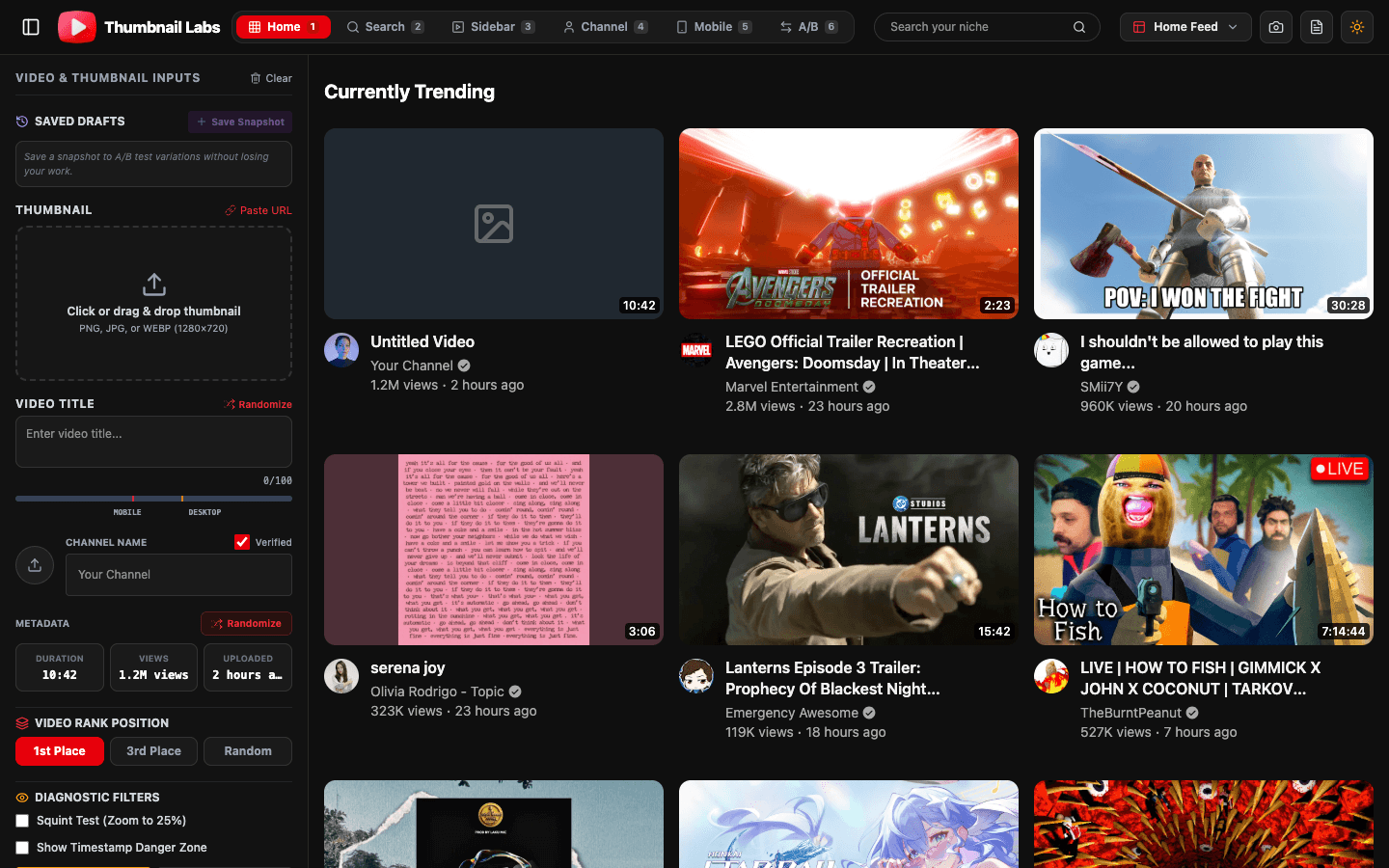
Shrink the image to approximate Home/mobile card size. Or better: drop it into a multi-layout previewer.
Surfaces worth checking:
- Desktop Home grid
- Search results
- Suggested sidebar
- Channel page
- Mobile Home / mobile search
Thumbnail Labs supports 10+ YouTube preview modes so you are not guessing from one mock.
Step 5, Squint / blur + grayscale
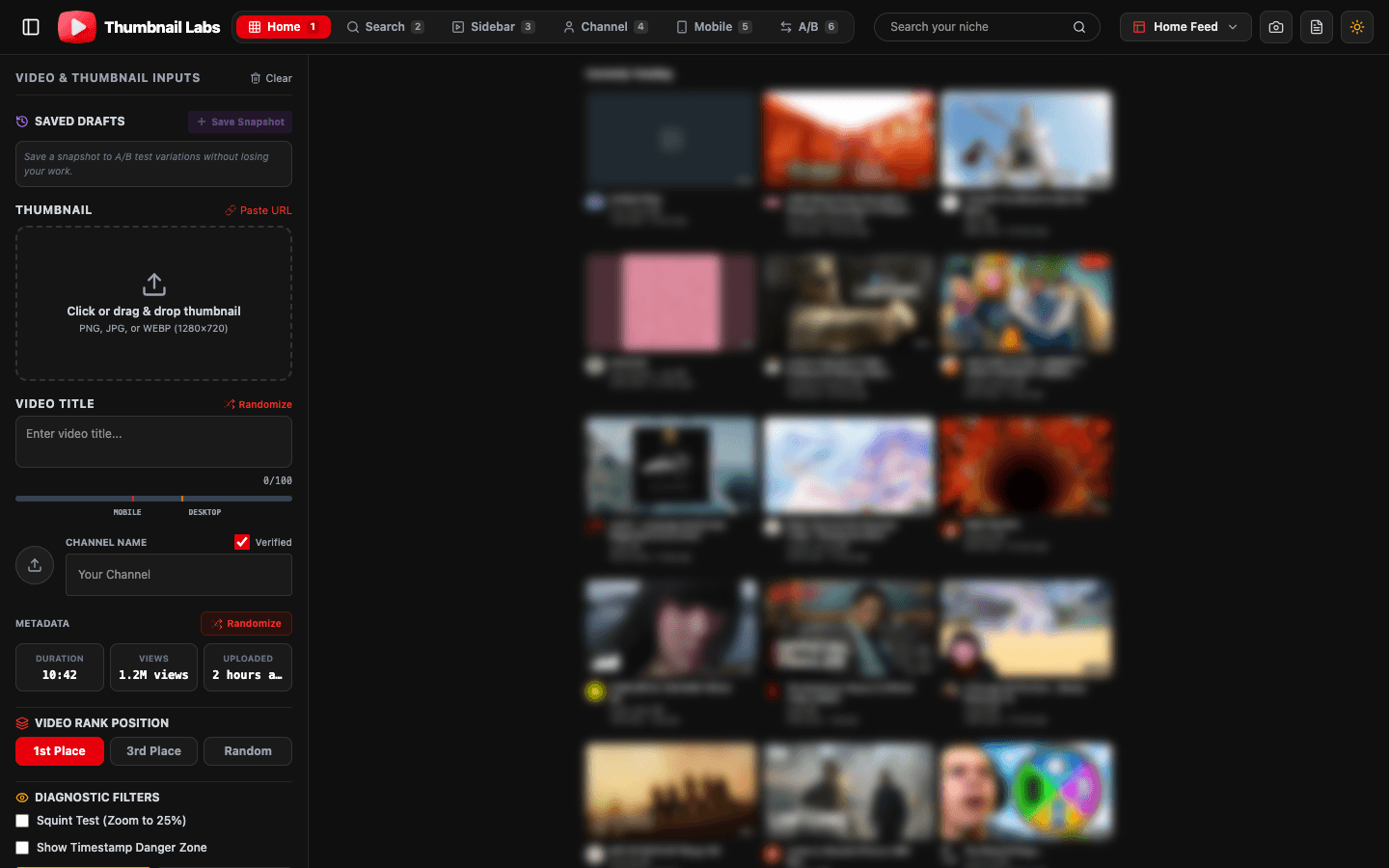
Squint or apply blur until detail dies. You should still recognize:
1. Subject
2. Mood
3. Text block presence
Then flip grayscale. If the subject melts into the background, raise contrast before you touch saturation again.
(Creator communities regularly recommend a quick squint pass for readability (example).)
Step 6, Niche competitor insert
Search the keyword you actually want to rank or compete in. Place your thumb in the same visual row as live rivals.
Ask:
- Is my silhouette louder?
- Is my face larger?
- Is my color story distinct without becoming spammy?
Isolation winners often lose here.
Step 7, Side-by-side A/B of your own drafts
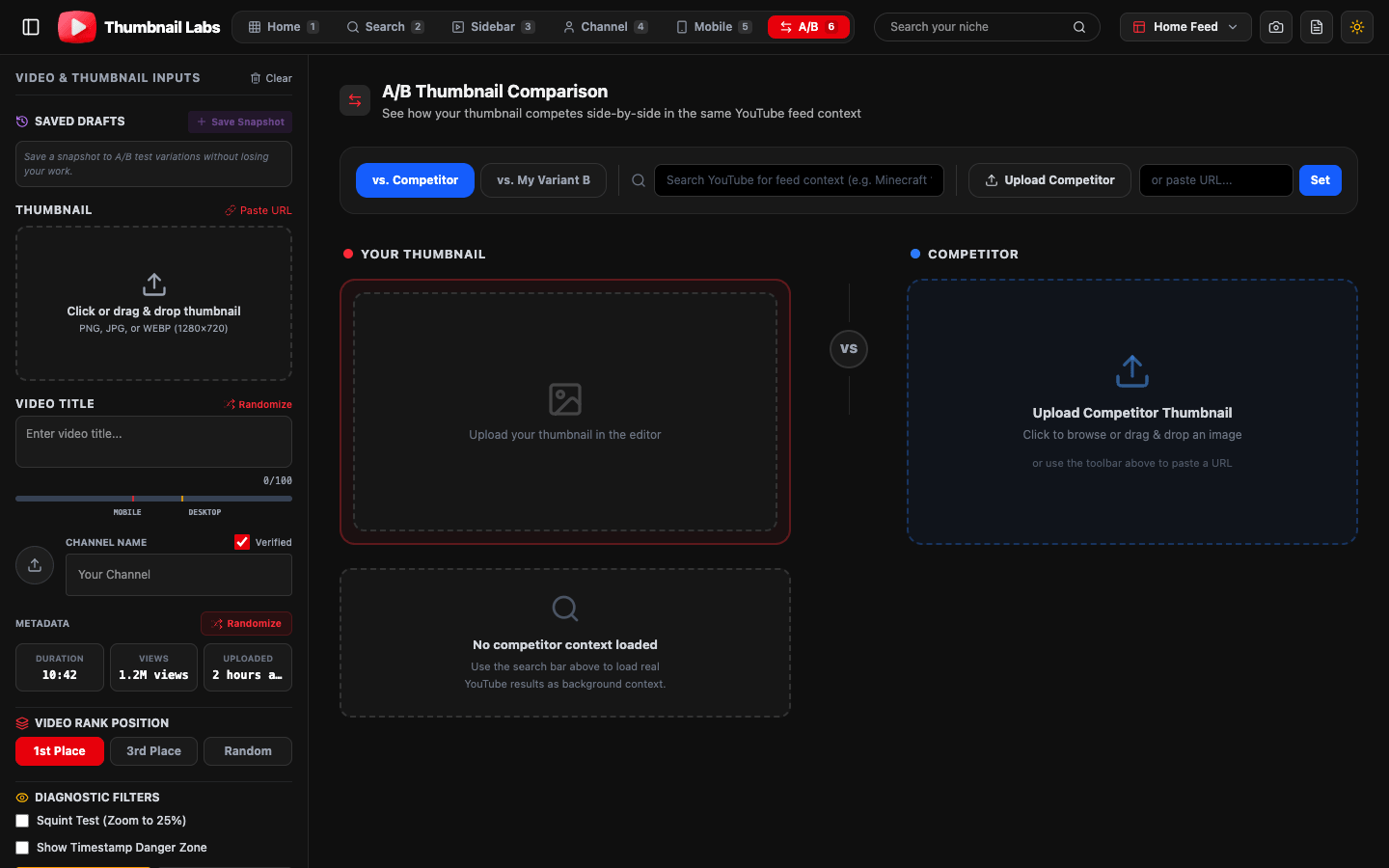
Compare only serious contenders (2-3). Change one big lever per variant: face scale, text vs no text, background simplicity, emotion.
Use split view when you can, Thumbnail Labs supports side-by-side compares and per-side analysis so clients and teammates argue from the same frame.
Step 8, Accessibility spot-check
- Protanopia / colorblind simulation if red-green carries the joke
- Avoid tiny icons that vanish on mobile
- Do not rely on color alone for meaning
Step 9, Optional scoring signals
Some tools score contrast, saturation, and face detection as rough CTR-oriented signals. Treat scores as flags, not laws. Your niche norms matter more than a generic number.
Step 10, Publish, then learn with Studio (when eligible)
After upload, if you qualify, run YouTube Studio A/B testing:
- Up to three titles/thumbs
- Concurrent test
- Winner by watch time
- Often days up to ~two weeks
Pre-testing raises the floor. Studio testing raises the ceiling.
15-minute version (when you are late)
1. Specs OK?
2. Mobile feed mock
3. Squint pass
4. One niche compare
5. Ship the stronger of two drafts
Checklist you can copy into Notion
- [ ] Correct aspect ratio and sharp export
- [ ] Title/thumb/video promise aligned
- [ ] Mobile feed legible
- [ ] Squint + grayscale pass
- [ ] Beats or matches niche row
- [ ] No policy risk
- [ ] Studio A/B scheduled for high-impression videos
FAQ
Can I test a YouTube thumbnail online without uploading the video?
Yes. Use a free previewer with upload or URL input. Publish only after packaging clears the checks.
Is a mockup enough without Studio A/B?
Mockups prevent obvious deaths. Studio A/B (when available) measures real audience watch time. Use both.
How many thumbnails should I pre-test?
Two or three strong options. Twelve mild variants create noise, not learning.
Conclusion
To test youtube thumbnail online the right way: respect specs, force feed context, run squint/contrast diagnostics, compare in-niche, then confirm with Studio when you can. Guess less on launch day.
Start here: Open Thumbnail Labs, drop in your draft, and run the full pre-publish pass before your next upload.