
The Complete Guide to YouTube Thumbnail A/B Testing in 2026
TL;DR
- YouTube Studio lets eligible creators test up to three titles and/or thumbnails; the option with the highest watch time becomes the default, not pure CTR.
- Tests can run a few days up to about two weeks. Similar variants slow decisions. Weak “control” designs can drag results.
- Pre-test contrast, mobile readability, and niche feed fit before Studio so every variant you ship is already competitive.
- Use a free feed previewer (like Thumbnail Labs) to compare drafts against live competitor thumbs, then run Studio A/B for real audience data.
You finished the edit. The title is solid. The thumbnail looks sharp on your laptop.
Then it hits the Home feed next to five loud competitors and suddenly the face is tiny, the text collapses on mobile, and the click never comes.
Thumbnail A/B testing is how you stop guessing. In 2026 you have two layers that work best together:
1. Pre-publish design tests (feed mockups, squint/blur, side-by-side niche compare)
2. YouTube Studio A/B tests (real viewers, concurrent variants, watch-time winner)
This guide covers both.
What YouTube’s built-in A/B test actually does
According to YouTube Help on A/B testing titles and thumbnails, creators can compare up to three titles and thumbnails. At the end of the test, the title or title+thumbnail combo with the highest watch time is shown to everyone.
That detail matters. Studio is not a pure CTR leaderboard. YouTube optimizes for watch time so the “winner” is the pairing that gets people to click *and* stay.
Eligibility (quick filter)
From the same Help article, you generally need:
- Desktop YouTube Studio (not mobile-only workflow)
- Advanced features enabled on the channel
- Not Shorts, scheduled lives, or Premieres (live archives can be tested; Premieres after they become long-form)
- Not Made for Kids, mature-audience, or private videos
- Careful handling of age-restricted content (mislabeling can cost feature access)
If your video type is ineligible, pre-publish tools and sequential thumbnail swaps are still useful. Just treat them differently from concurrent Studio tests.
How to run a Studio A/B test (step by step)
1. Sign in to YouTube Studio.
2. Open the video (upload flow for new, or Content → video for existing).
3. In the Title box or under Thumbnail, click A/B testing.
4. Choose Title only, Thumbnail only, or Title and thumbnail.
5. Upload up to three strong variants.
6. Click Done.
YouTube notes tests should complete within about two weeks, depending on impressions and recency.
Important: If you change the title or thumbnail manually mid-test, the test stops and you must restart (YouTube Help).
Where to read results
- Video Details page, or
- Analytics → Reach → “How your A/B test is going” → Manage test
YouTube may keep a small control group on the default creative; that group is excluded from experiment math.
How to read outcomes
YouTube describes results roughly as:
| Result | Meaning |
|---|---|
| Winner | Clear watch-time winner; statistically solid enough for YouTube to crown it |
| Performed the same | No meaningful gap; pick the option you prefer |
| Inconclusive | Not enough signal; first uploaded combo often becomes default unless you override |
Why no winner sometimes? Minimal differences between variants, or not enough impressions (YouTube Help FAQ).
Studio tips that actually change outcomes
Pulled straight from YouTube’s own guidance and creator practice:
1. Test older videos first when you can. YouTube recommends this to limit risk to a brand-new upload’s launch curve.
2. Make variants meaningfully different. Tiny font swaps and near-identical crops drag tests longer and raise “inconclusive” odds.
3. Only ship strong candidates. Creators who toss in a weak “just to see” option often report a temporary CTR dip while traffic splits (Reddit AMA-style discussions on Studio testing).
4. Upload high-resolution thumbnails. If any experiment thumb is below 720p (1280×720), YouTube may downscale all experiment thumbs to 480p (YouTube Help).
5. Expect days, not hours. Low-impression videos need patience.
Pre-publish A/B: the missing half of the playbook
Studio answers: “Which of these live options earns more watch time?”
It does not answer: “Does this design even read in a crowded niche feed on a phone?”
That is where youtube thumbnail ab testing before upload pays off.
A practical 20-minute pre-test loop
1. Export 2-3 real contenders (not 12 near-duplicates).
2. Check specs (16:9, sharp type, faces large enough for mobile). See YouTube’s custom thumbnail guidance.
3. Drop each into a real feed simulation, Home, Search, Sidebar, Mobile, not a blank gray box.
4. Pull live niche competitors with a keyword search so you compare against what viewers actually see today.
5. Run diagnostics: squint/blur, grayscale, colorblind simulation if your palette is risky.
6. Score contrast and face presence if your tool offers CTR-oriented visual signals.
7. Kill losers offline. Only promote the top two or three into Studio.
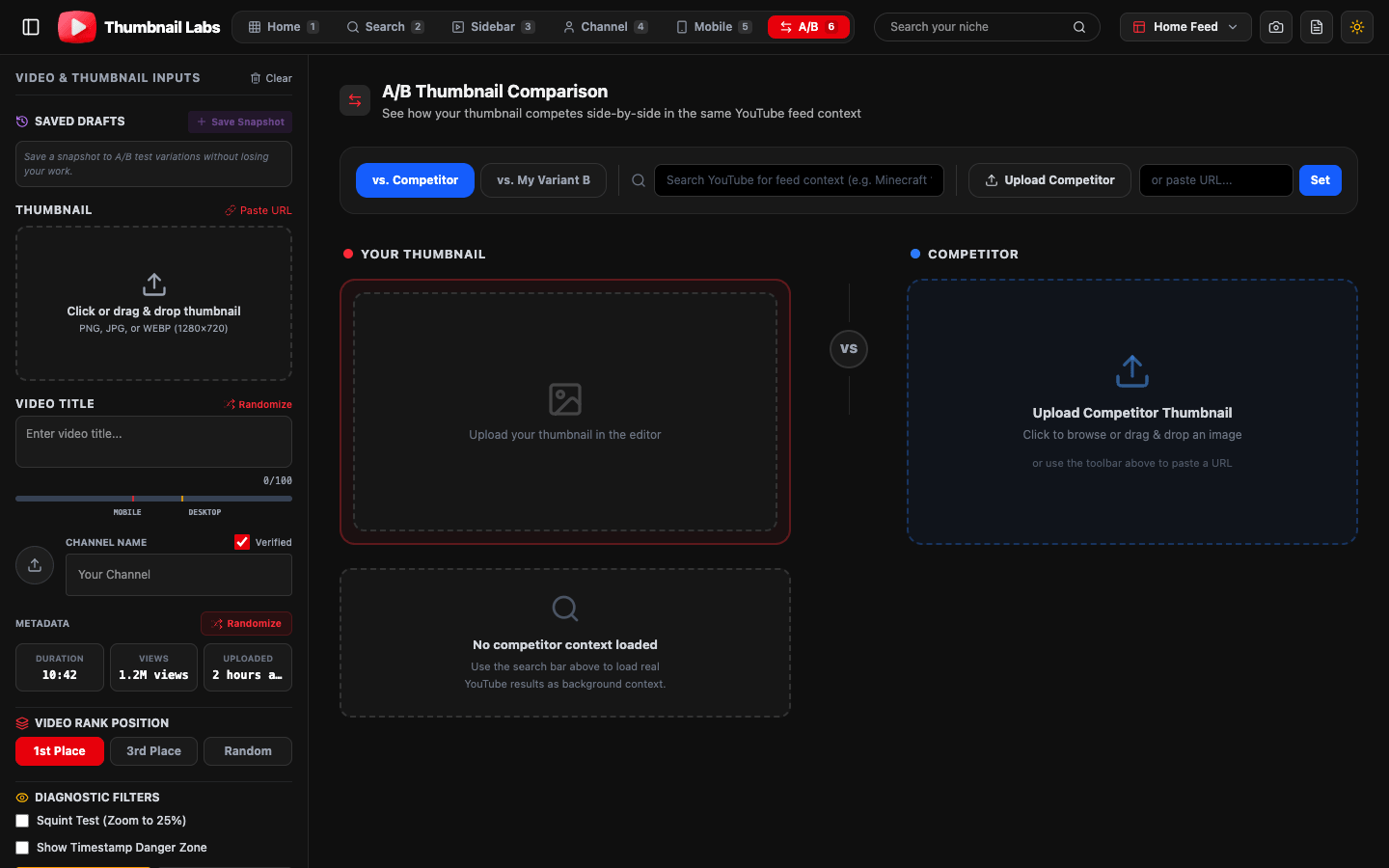
Thumbnail Labs is built for this loop: upload a draft, preview across 10+ YouTube layouts, search your niche for live competitor thumbs, A/B side-by-side, and export an audit when you work with editors or clients.
What to change between variants (so the test teaches you something)
Change one primary lever per variant when you can:
- Subject scale: face or product 30-50% larger
- Emotion / expression: curiosity vs shock vs satisfaction
- Text load: 2-4 words vs none
- Background simplicity: busy game UI vs blurred plate
- Color temperature: warm vs cool dominant block
- Composition: left-weighted subject vs center punch
Avoid testing “red button vs slightly darker red button” as your only difference. You will wait two weeks to learn almost nothing.
Title + thumbnail pairs
When you test title and thumbnail together, treat them as one promise:
- Thumbnail shows the emotion or object
- Title supplies the context or stakes
- Neither should spoil the entire video; both should match the first 15 seconds
Mismatched pairs can win a click and lose watch time, and Studio will punish that combo because watch time is the scoring rule.
Third-party tests vs YouTube tests
YouTube is explicit: native tests are concurrent A/B/C. Many third-party workflows are sequential and often optimize for CTR. Results can disagree (YouTube Help FAQ).
Healthy workflow:
- Use third-party / free preview tools for design quality and niche fit
- Use Studio for audience + watch-time truth
- Do not panic if CTR-focused tools and Studio pick different favorites; they answer different questions
A repeatable channel system
1. Template pack per content pillar (3 layouts max).
2. Pre-screen every upload in a feed previewer.
3. Studio A/B on videos with enough impressions (evergreen winners first).
4. Log winners in a simple sheet: niche, emotion, text yes/no, face yes/no, outcome.
5. Refresh decaying videos quarterly with a new contender set.
Common mistakes
- Testing before the design passes a mobile glance test
- Running three weak options instead of two strong ones
- Changing the live thumbnail mid-test
- Ignoring watch time and only chasing CTR screenshots
- Skipping competitor context (your thumb only looks “fine” in isolation)
FAQ
How long should I leave a YouTube thumbnail A/B test running?
YouTube says tests can take a few days up to about two weeks depending on impressions and other factors (source).
Does YouTube pick the winner by CTR?
No. Official docs say the winner is based on watch time share, because titles and thumbs should set accurate expectations, not just bait clicks (source).
Can I A/B test Shorts thumbnails in Studio?
A/B testing is not available for Shorts per YouTube Help. You can still design and preview Shorts thumbs carefully (9:16 guidance on custom Shorts thumbs: Add custom thumbnails).
Should I A/B brand-new uploads?
You can, but YouTube suggests testing older videos first to reduce impact on overall channel views while you learn (source).
Conclusion
In 2026, youtube thumbnail ab testing is a two-stage craft: ruthless pre-publish design checks, then honest Studio experiments scored on watch time. Ship only variants that already survive a crowded feed. Let YouTube tell you which survivor earns the deepest watch.
Next step: Upload your latest draft to Thumbnail Labs, compare it against live niche competitors across desktop and mobile layouts, then take your top two into YouTube Studio A/B testing.