Thumbnail Labs vs Canva for YouTube Thumbnails
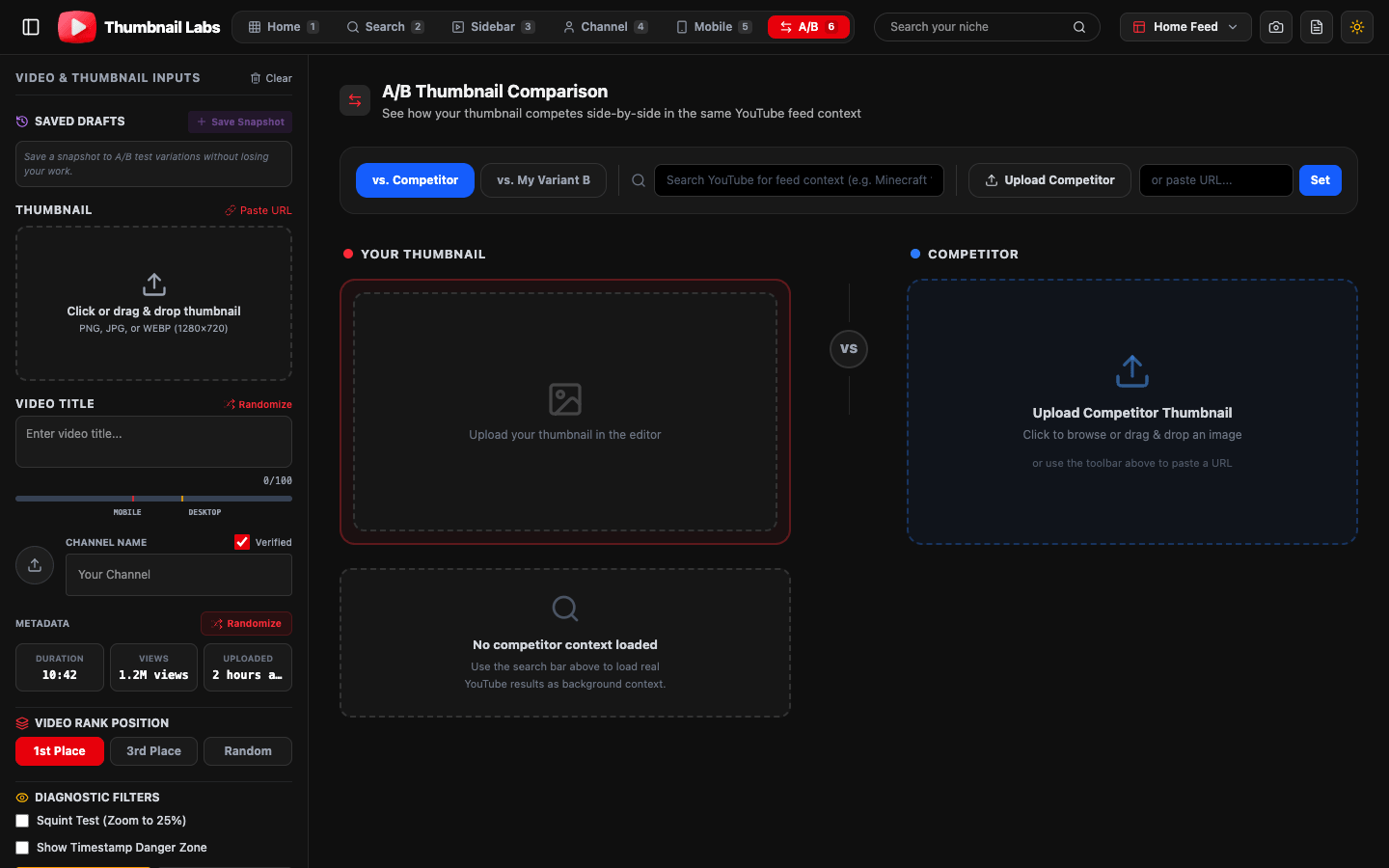
Canva helps you make the thumbnail. Thumbnail Labs tells you if it will win the feed.
Use Canva (or any design tool) to create. Use Thumbnail Labs to preview, compare, and diagnose before you publish, free.
Preview your Canva export free
Short answer
| Job | Better fit |
|---|---|
| Design, templates, brand kits, text effects | Canva |
| YouTube feed simulation, live niche compare, squint/CTR diagnostics, pre-publish A/B | Thumbnail Labs |
| Official on-platform watch-time experiments | YouTube Studio A/B |
They are not rivals for the same click. They stack.
Where Canva shines
- Fast creation with templates
- Team brand kits and easy text/image layout
- Huge asset library for non-designers
- Great for producing the PNG/JPG you will upload
If your bottleneck is “I cannot make a thumb,” start in Canva.
Where Canva is not enough
Canva shows your design on a clean artboard.
YouTube shows it:
- Smaller than you think
- Beside aggressive niche competitors
- On mobile, compressed
- Next to titles and duration badges
A polished Canva file can still fail squint tests, lose grayscale contrast, or disappear in Search.
What Thumbnail Labs adds after export
1. Upload your Canva PNG (or paste a URL).
2. Preview across 10+ YouTube layouts (Home, Search, Sidebar, Mobile, and more).
3. Search your niche to load live competitor thumbnails.
4. A/B your variant against another export or a competitor video.
5. Run diagnostics, squint/blur, grayscale, colorblind simulation, plus visual CTR-oriented scoring (contrast, saturation, face detection).
6. Export an audit for your team or client.
Side-by-side comparison
| Capability | Canva | Thumbnail Labs |
|---|---|---|
| Create thumbnails | Excellent | Not the focus |
| Templates & brand kit | Excellent | , |
| Realistic multi-surface YouTube preview | Limited / manual | Core product |
| Live competitor niche feed | No | Yes |
| Squint / grayscale / colorblind diagnostics | Manual | Built-in suite |
| Side-by-side competitive A/B | Manual | Built-in |
| Free dedicated YouTube QA | N/A | Yes |
| Replaces YouTube Studio experiments | No | No (complements) |
Recommended workflow (Canva + Thumbnail Labs)
1. Design 2-3 variants in Canva at 16:9.
2. Export PNG/JPG per YouTube thumbnail guidance.
3. Run all variants through Thumbnail Labs feed + diagnostics.
4. Keep the survivor.
5. Upload to YouTube.
6. Optional: Studio A/B test for watch-time truth on eligible videos.
Who should switch tools?
- Do not “switch” off Canva if it is your design home.
- Add Thumbnail Labs if you currently publish straight from the Canva export button.
- Agencies: use Labs exports as client-facing QA proof before go-live.
FAQ
Is Thumbnail Labs a Canva alternative?
It is a YouTube thumbnail preview and testing tool, not a full design suite.
Can I paste a Canva link?
Use an exported image upload or image URL depending on your share settings; exports are the reliable path.
Is this free?
Thumbnail Labs positions its core tester as free on thumbnaillabs.com.
Finished in Canva? Good.
Now see if it survives YouTube.